276,000+ icons, right inside Figma
Search the entire IconsRoom library from the canvas, recolor before insert, and drop true-vector SVG icons that stay fully editable. 220 packs, licenses shown inline.
Currently in Figma Community review — the install link lands here first.
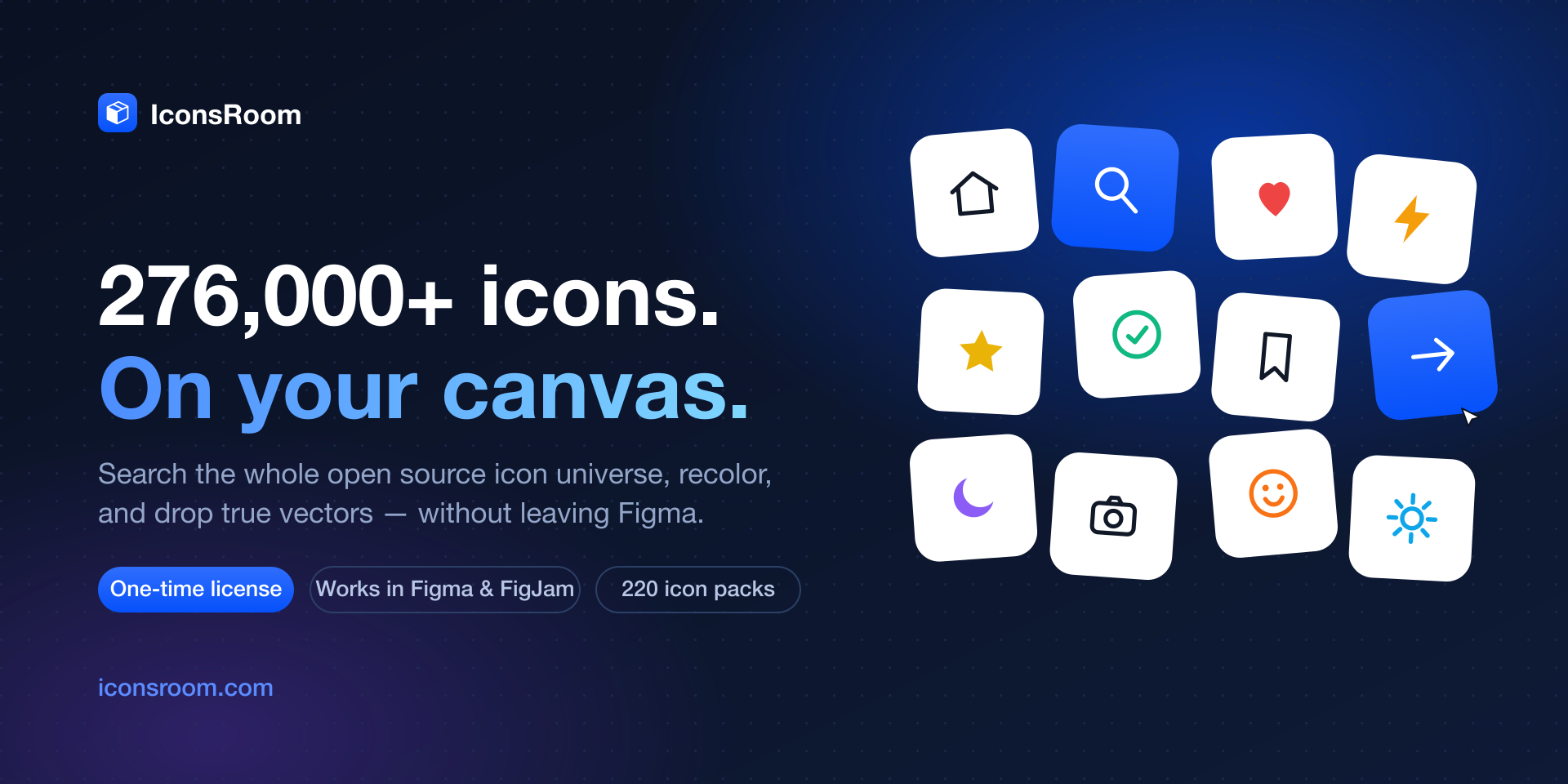
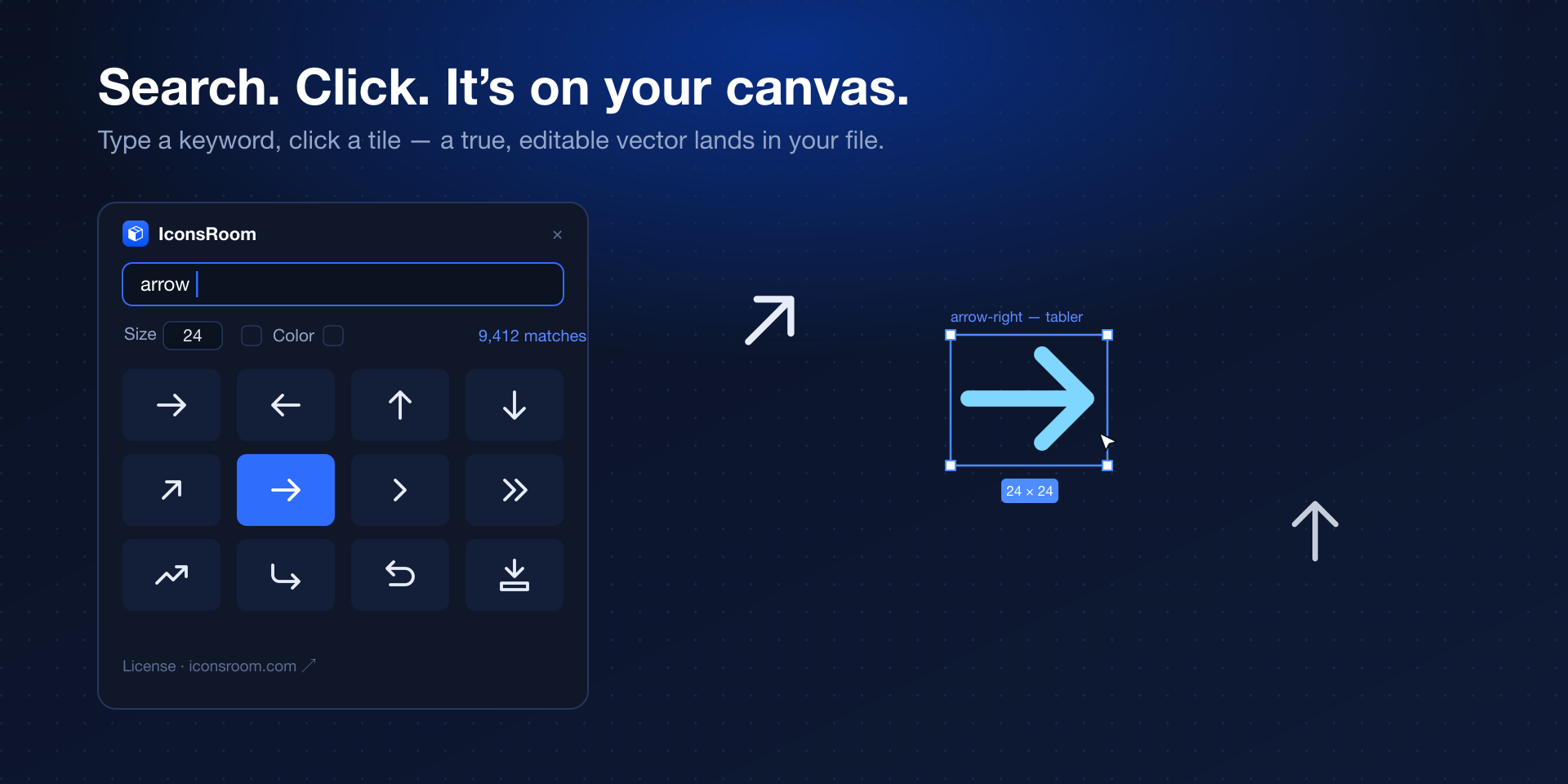
Search 276,000+ icons without leaving the canvas
Type a keyword and get instant results across 220 open source packs — Material, Tabler, Lucide, Phosphor, Heroicons and everything in between. Click an icon and it lands on your canvas exactly where you are working.
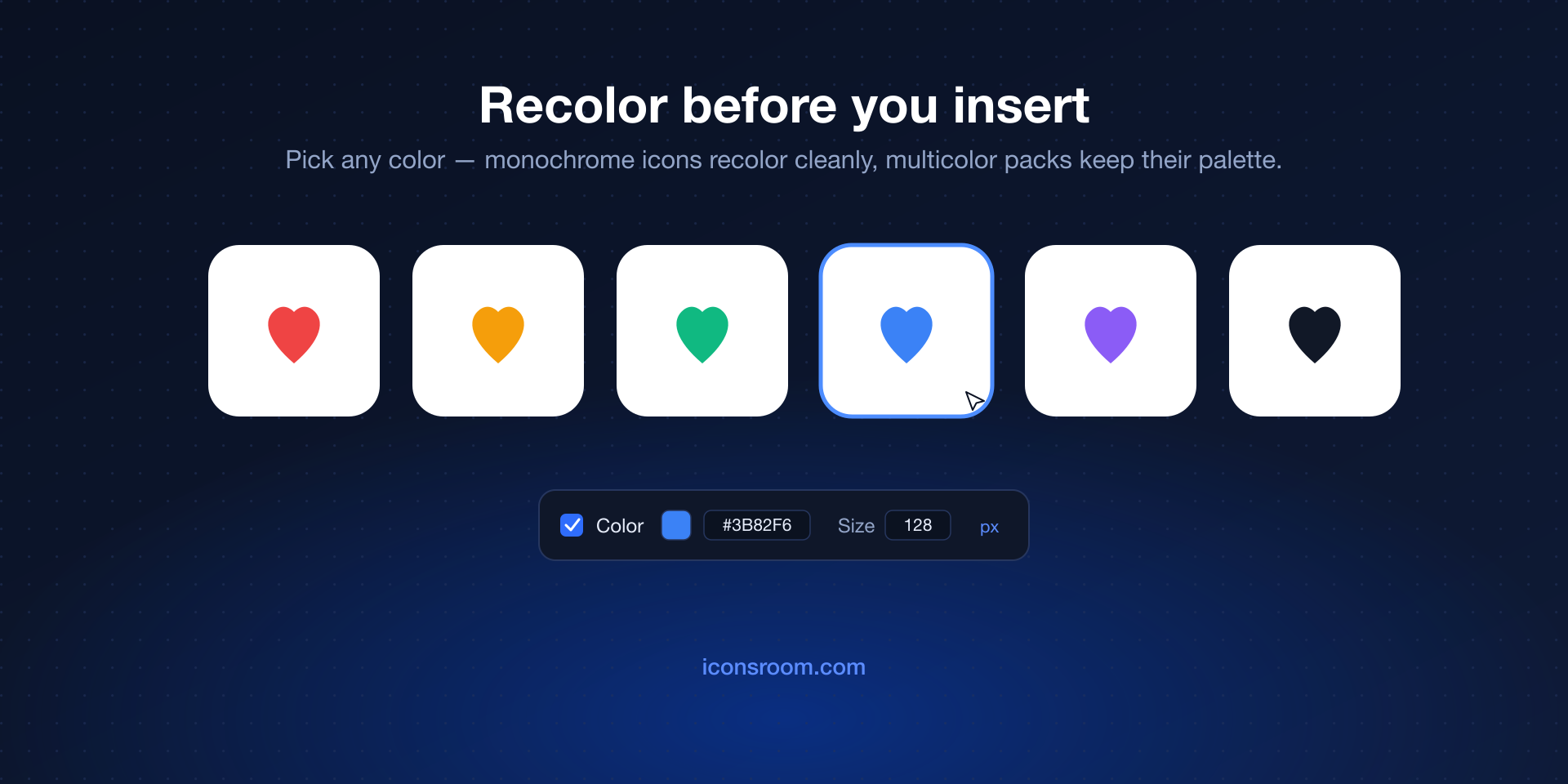
Recolor before you insert
Pick a color in the plugin and the icon arrives already matching your design — no detach, no ungroup, no manual fill edits. Icons insert as true vector SVG, so every path stays editable in Figma.
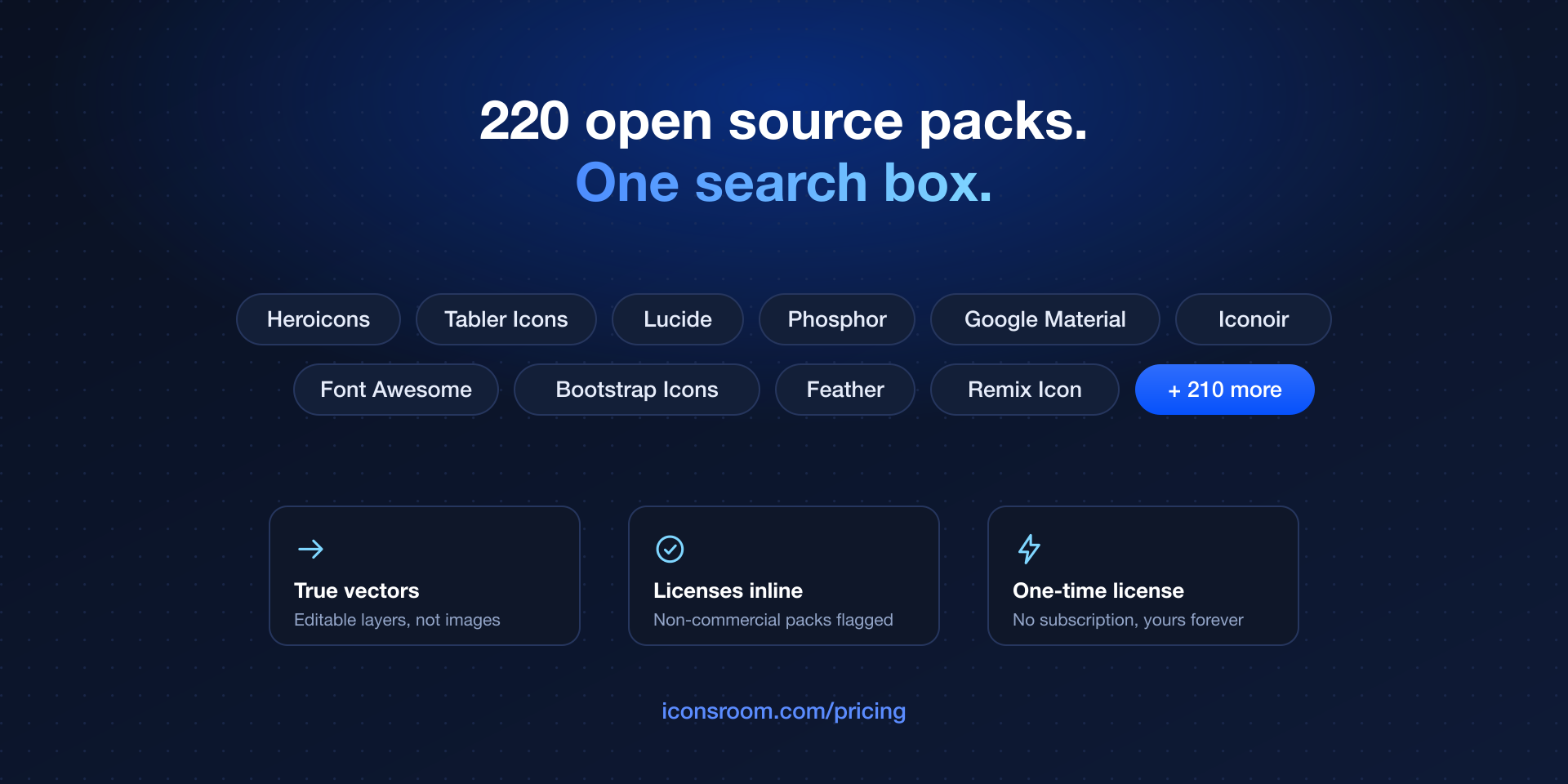
Browse packs with licenses shown inline
Every icon shows its pack and license right in the plugin, and non-commercial packs are flagged before you use them — so nothing sneaks into client work that should not be there.
Up and running in two minutes
Get a lifetime license
One payment, yours forever — no subscription. Your IR- license key unlocks the Figma plugin and every other IconsRoom integration.
Install from Figma Community
Search "IconsRoom" in Figma Community plugins and click Install. It works in both Figma design files and FigJam boards.
Activate once
Open the plugin, paste your license key, and you are in. The key is remembered on your machine — activate once, use it in every file.
Search, recolor, insert
Find the icon, optionally set a color, click to drop it on the canvas as an editable vector. That is the whole workflow.
Frequently asked questions
Is the IconsRoom Figma plugin free?
The plugin needs an IconsRoom lifetime license — a one-time payment, not a subscription. One key unlocks all 276,000+ icons in Figma plus the VS Code, Chrome, Raycast and MCP integrations. The IconsRoom website itself stays free.
Do icons insert as real vectors?
Yes. Icons are inserted as true SVG vectors, not rasterized images — every path is editable in Figma, scales infinitely, and exports cleanly.
Which icon packs are included?
All 220 open source packs in the IconsRoom library, including Material Symbols, Tabler, Lucide, Phosphor, Heroicons, Remix Icon and Font Awesome Free — 276,000+ icons total, with each pack’s license shown inline.
Does it work in FigJam?
Yes — the plugin runs in both Figma design files and FigJam boards, with the same search, recolor and insert workflow.
Can I use the icons in commercial projects?
Almost all packs use permissive open source licenses (MIT, Apache, CC BY) that allow commercial use. The few non-commercial packs are clearly flagged inside the plugin before you insert anything.
One license. Every tool you work in.
The same lifetime key unlocks Figma, VS Code, Chrome, Raycast and the MCP server for AI coding agents.